
KYOCERA Document Solutions
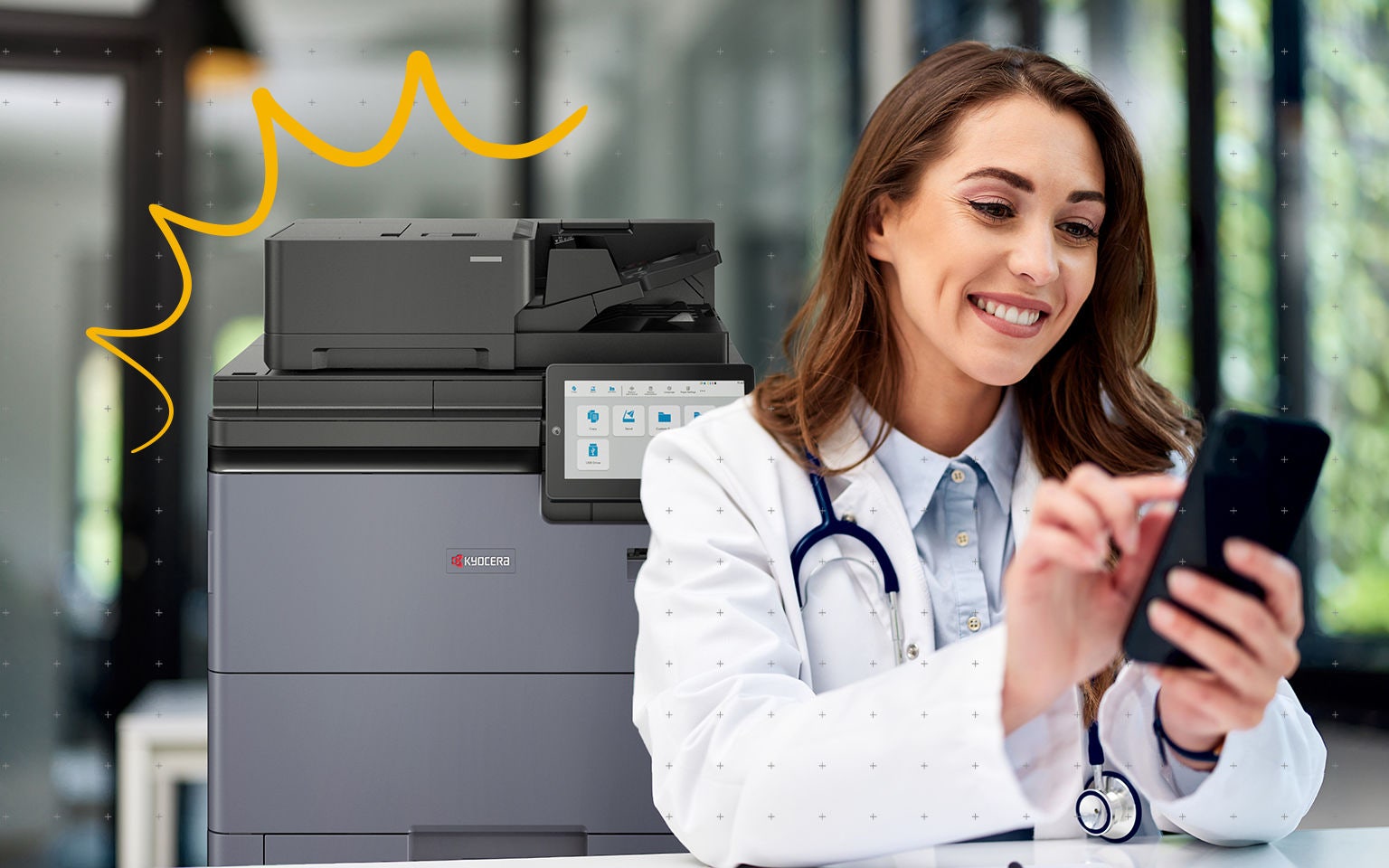


Healthcare organisations operate in one of the most demanding and highly regulated environments.
From patient records and prescriptions to invoices and insurance documentation, information must move quickly and securely between departments and teams.
Yet many healthcare institutions still rely on manual workflows or outdated printing infrastructure that slows down processes and increases administrative workload.
Modern medical office printing solutions can help healthcare providers address these challenges.
In this blog, we will explore Kyocera’s printing solutions for healthcare offices and how they help medical institutions streamline everyday processes.
The challenges facing healthcare document workflows
As document volumes grow, many healthcare organisations face increasing pressure to improve security, efficiency and cost control. Outdated printers and scanners and limited cloud printing capabilities often make this more difficult.
Where medical office printing solutions often struggle
Healthcare organisations manage documents across many departments, devices and systems. This often creates workflow challenges that modern printing solutions for healthcare offices are designed to solve.

Data security
Healthcare organisations must safeguard sensitive patient information across printers and scanners while complying with strict privacy regulations.
Workflow efficiency
Manual paper-based processes can slow down clinical and administrative workflows, making it harder for staff to access critical information quickly.
Cost management
Poorly managed print fleets, on-site servers and inefficient medical office printing solutions can increase operational costs. Cloud printing helps reduce infrastructure and maintenance expenses.
Sustainability goals
Healthcare institutions face increasing pressure to reduce paper waste and energy use across their printing solutions for healthcare offices.
Addressing these challenges requires secure printers and scanners and cloud printing technology that integrate with digital document management.
What printing solutions do healthcare office require?
To address these challenges, healthcare organisations need solutions that support secure access to information, enable more flexible ways of working and reduce reliance on manual processes.
Compliance and security in healthcare printing
Protecting patient data is one of the most critical responsibilities in healthcare environments.
Modern printing solutions for healthcare offices combine secure hardware with advanced print management software to protect sensitive information and maintain regulatory compliance.
One example is MyQ X, a print management solution compatible with Kyocera printers and scanners. MyQ X helps healthcare organisations automate and streamline workflows, allowing users to print and scan from a personalised UI with just a few clicks.
With the Pull Print function, documents remain encrypted and are only printed after the authorised user logs in at the device with an ID card, PIN or mobile device.
These authentication methods ensure that only authorised staff members can access printed documents, helping healthcare organisations maintain compliance with data protection regulations.
Kyocera supports healthcare organisations with secure document management, reliable MFP devices and cloud-ready workflow solutions."
Mobility and device monitoring for modern healthcare teams
Healthcare professionals rarely remain in one location throughout the day. Doctors, nurses and administrative staff move between departments and facilities while managing patient information and documentation.
To support this dynamic environment, Kyocera Cloud Print and Scan (KCPS) enables secure cloud printing and scanning from any device, including smartphones and tablets. Medical staff can quickly send, retrieve and share critical documents without returning to a desktop workstation, ensuring uninterrupted workflows throughout busy shifts.
This mobility allows healthcare teams to access information when and where it is needed, while reducing the need to print documents in advance. As a result, organisations can minimise paper waste while maintaining access to essential information.
Healthcare organisations can also monitor device performance using Kyocera Fleet Services (KFS), which provides real-time insights into printing environments across their printers and scanners.
This monitoring capability allows institutions to identify potential device issues early and resolve them before they disrupt operations.
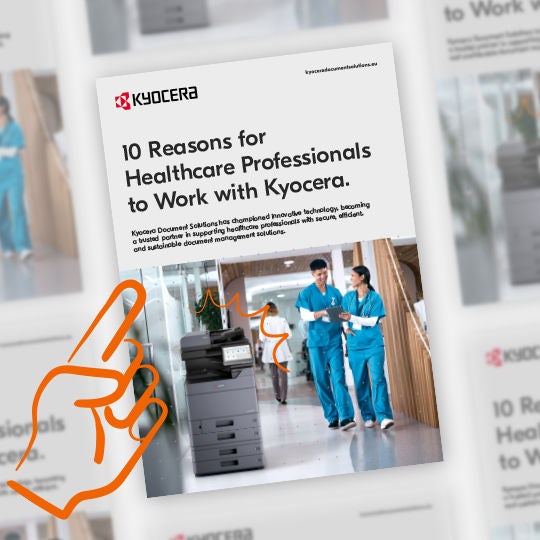
10 reasons healthcare professionals choose Kyocera
Discover how Kyocera supports healthcare organisations with secure document management, reliable MFP devices and cloud-ready workflow solutions. From data protection and integrated software to sustainable printing and high-speed production, this brochure highlights ten reasons why healthcare providers trust Kyocera to improve efficiency and support patient care.
Secure and efficient healthcare environments
Modern printing solutions for healthcare offices combine secure printing technology with digital document management to support compliant and efficient workflows.
One example is Kyocera Cloud Information Manager (KCIM), a cloud-based document management platform that helps healthcare organisations digitise and organise their data.
KCIM enables institutions to securely store and manage patient records, invoices and administrative documents in the cloud, reducing reliance on paper-based processes and costly on-site servers. With centralised storage and streamlined indexing, staff can retrieve critical information quickly while minimising the risk of human error.
The platform also strengthens data protection through advanced access controls and encryption, allowing healthcare professionals to collaborate and share information securely.
Powering smarter healthcare workflows
In modern healthcare environments, efficient document workflows are essential for delivering high-quality patient care.
Secure printing, digital document management and automated workflows enable healthcare organisations to reduce administrative burdens while protecting sensitive patient information.
Kyocera’s healthcare solutions, like KCPS, KCIM and KFS, help institutions streamline document processes, improve security and enhance operational efficiency.
By modernising document workflows, healthcare organisations can help medical professionals spend less time managing paperwork and more time supporting patients.


- Accelerate digital transformation in healthcare
- Balancing paper and digital processes in healthcare
- Improve healthcare efficiency with cloud document management
We're here to help!
Our team of experts is here to answer your questions, solve your challenges and deal with your sales inquiries.