
KYOCERA Document Solutions
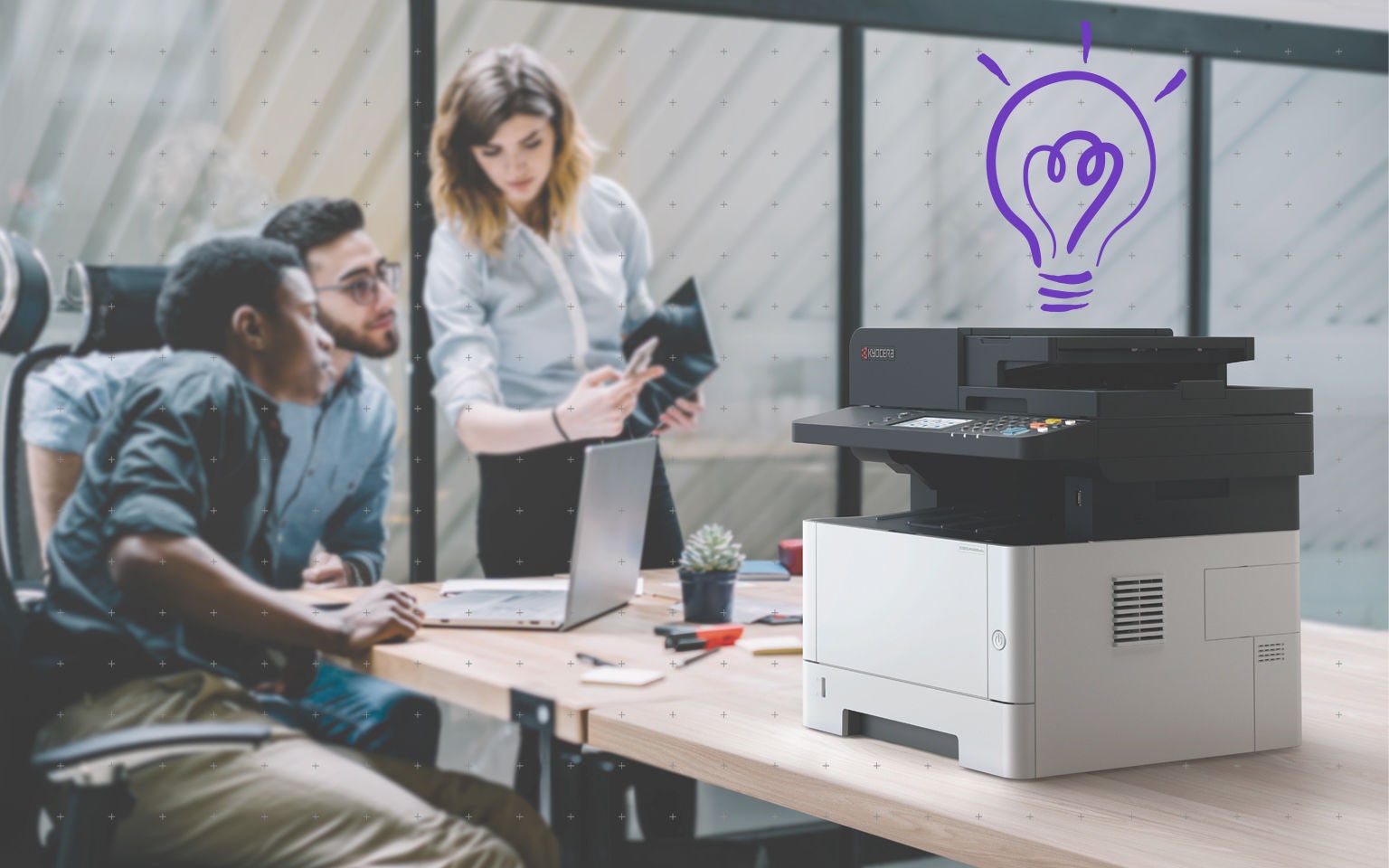


Technology in the modern workplace is no longer confined to laptops and desktop printers.
Most offices today employ multifunction printers (MFPs). These powerful devices combine printing, scanning, copying and document capture in a single system, allowing information to flow directly into wider digital workflows.
When MFPs are connected to document management solutions and cloud printing environments, the device becomes far more than a printer. It becomes an entry point into structured digital workflows that help organisations share information more efficiently.
In this blog, we explore five ways MFPs can transform how organisations manage information.
Why MFPs matter in modern digital workflows
Research from Gartner predicts that 90% of organisations will adopt a hybrid cloud approach through 2027, highlighting how businesses are increasingly relying on connected cloud environments to manage data and documents.
Modern MFPs sit at the intersection of paper and digital systems. They are often the first point where documents enter workflows, whether through scanning, printing or document capture.
When these devices are connected to document management solutions and cloud platforms, they help organisations reduce manual handling and improve the way information moves across teams.
This is why it is important to view MFPs as part of the workflow itself, not outside them.
It is important to view MFPs as part of the workflow itself, not outside them."
Five ways to turn your MFP into a workflow automation platform
1. Route scanned documents directly into digital workflows
With cloud-connected devices, scanned documents can move directly from an MFP into cloud storage platforms.
Instead of scanning a document, downloading it and uploading it again, the device sends the file straight to the correct destination. This ensures information is captured consistently and reduces time spent managing files.
2. Use cloud printing to manage devices centrally
Cloud printing is another important step toward workflow automation.
Traditional print environments often rely on local print servers and disconnected devices. This can create unnecessary infrastructure costs and limited visibility into how devices are used.
Cloud printing platforms allow organisations to manage MFPs centrally, monitor device activity and control print behaviour through policies rather than manual oversight.
Secure print release is a practical example. Instead of printing immediately, documents remain in the queue until the authorised user authenticates at the device. This protects sensitive information and reduces unnecessary printing.
3. Connect document capture with document management solutions
Automation becomes far more powerful when captured documents do more than simply land in a shared folder.
When MFPs are integrated with document management solutions, documents can be automatically classified and stored.
This approach helps organisations maintain control over business information while reducing delays caused by manual document handling.
It also ensures documents remain searchable, version-controlled and accessible across teams.
4. Support hybrid work with cloud-connected devices
Hybrid work environments require systems that function across multiple locations.
Cloud-connected MFPs allow employees to print, scan and capture documents regardless of where they are working. Staff can send a print job from home, collect it securely in the office or scan documents directly into shared digital workflows.
This flexibility helps organisations maintain consistent processes while supporting distributed teams.
5. Strengthen security across document workflows
Automation also plays an important role in protecting sensitive information.
MFPs connected to document management solutions can support authentication, encryption and activity monitoring. These controls ensure documents are only accessed by authorised users and remain protected throughout the workflow.
By integrating printers into the wider security framework, organisations reduce the risk of confidential documents being mishandled or exposed.
How Kyocera supports high-volume digital workflows
Kyocera supports organisations by combining reliable hardware with cloud-connected tools that help streamline document workflows and improve efficiency.
A3 MFPs for high-volume digital workflows
Kyocera’s TASKalfa and ECOSYS A3 MFPs are designed for organisations that require reliable performance and high-volume document processing. With speeds ranging from 25 to 90 pages per minute, these devices support demanding office environments while integrating seamlessly with digital workflows.
Cloud-ready models such as the TASKalfa MZ7001ci/MZ7001i Series allow businesses to connect printing and scanning directly with document management solutions and cloud printing platforms. Pre-installed tools such as Kyocera Cloud Capture (KCC), Kyocera Cloud Information Manager (KCIM) and Kyocera Cloud Print and Scan (KCPS) help organisations automate document capture, store information securely and streamline document workflows.
Advanced security features, including Confidential Document Guard and user authentication, also help organisations protect sensitive information while managing large volumes of documents.
A4 MFPs for flexible and hybrid workplaces
For organisations that do not require the scale of an A3 device, Kyocera’s ECOSYS A4 MFPs provide compact, efficient solutions for everyday document tasks.
These devices combine printing, scanning and copying in a single platform that integrates easily with cloud printing environments and document management solutions. This allows teams to capture documents at the device and move them directly into digital workflows.
Security features such as encrypted data transmission, secure boot and print release functions help protect confidential information. Because ECOSYS devices support cloud connectivity, they are also well suited to hybrid workplaces where employees need consistent, secure document access across multiple locations.
How cloud-based document management improves office productivity
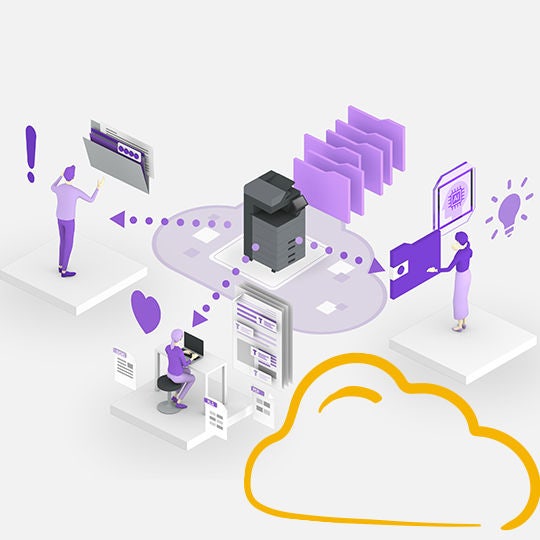
Disconnected storage systems and paper-heavy processes often slow teams down. Cloud-based document management platforms such as Kyocera Cloud Information Manager help organisations centralise documents, simplify collaboration and make critical information easier to find.
Where efficient document workflows begin
Modern MFPs are no longer limited to printing and scanning. When these devices are integrated with document management solutions and cloud printing platforms, they become an important part of how organisations manage and share information.
By connecting MFPs to cloud-based systems, businesses can reduce manual document handling, improve visibility across workflows and strengthen document security.
As organisations continue to modernise their workplaces, transforming the role of the MFP can be a practical step toward more efficient and scalable digital workflows.


- Optimise your business workflows today
- Choose the right printer for your business
- Enhance efficiency with digital workflows
We're here to help!
Our team of experts is here to answer your questions, solve your challenges and deal with your sales inquiries.